First boot
1. Start the machine
Place antler-86.img and
86box-antler.cfg together, then:
cd directory-with-image
86Box -N 86box-antler.cfg
For real hardware, write the raw image only to an empty target disk whose geometry matches the build.
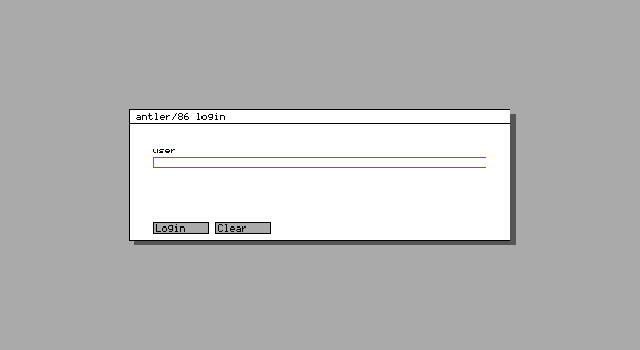
2. Log in
Enter root in lower case. The supplied local development
image has an empty password field.
3. Use Venison
Left-click the venison label or right-click the gray
desktop to open the menu. Choose new term,
irc, or web. You can also type
term, irc, web, or
web http://host/ at the bottom command field.
4. Try the terminal
uname -a
free
df
ls -l /
net show
Use vi or ed for text files. Runtime policy
is kept in /etc/default, /etc/network/interfaces,
and /etc/services.conf.
5. Shut down
shutdown -s
Use shutdown -r to reboot. Wait for the halt before
closing 86Box or switching off a physical machine.
The complete manual is stored in the source repository
under docs/.