All captured from live running systems at the native 640x350 raster, no scaling and no touching up. The desktop shots come from an Amstrad PC1640 with its integrated PEGA video under 86Box; the login is an ordinary EGA machine under MartyPC. Every pixel on these pages is drawn by our own VDI and AES, never by the BIOS.
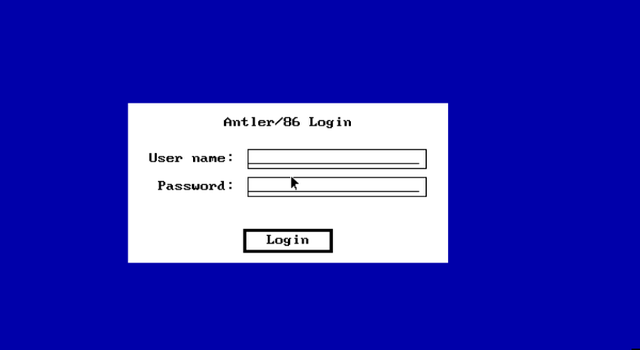
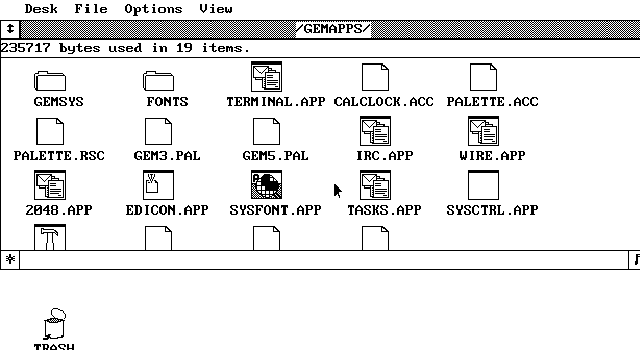
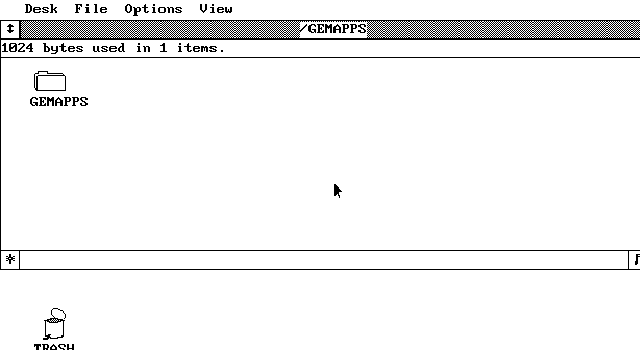
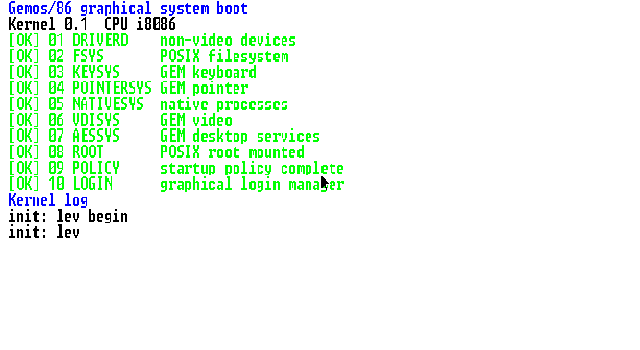
The graphical login. A real AES object-tree form with keyboard and mouse both live — this is the only local door into the system, and it hands you to the desktop as your own user.The application suite, seen through the desktop's own file manager. Terminal, the IRC client, the Wire browser, the icon editor, the font editor, the task manager and system control all live here as ordinary GEM applications, alongside the Calculator/Clock and Palette desk accessories. Note the dithered title bar and the scroll bars — that is the classic GEM chrome, drawn by our AES.A window on the desktop: closer box top left, hatched title, the info line, a working elevator on the right and a sizer in the corner. Windows move, resize, maximise, scroll and stack the way you would expect, all driven from the mouse.System boot. The kernel brings up its ten service stages — drivers, filesystem, keyboard, pointer, native processes, VDI, AES, root mount, policy, login. This capture predates the rename, so the banner still carries the old project name.